

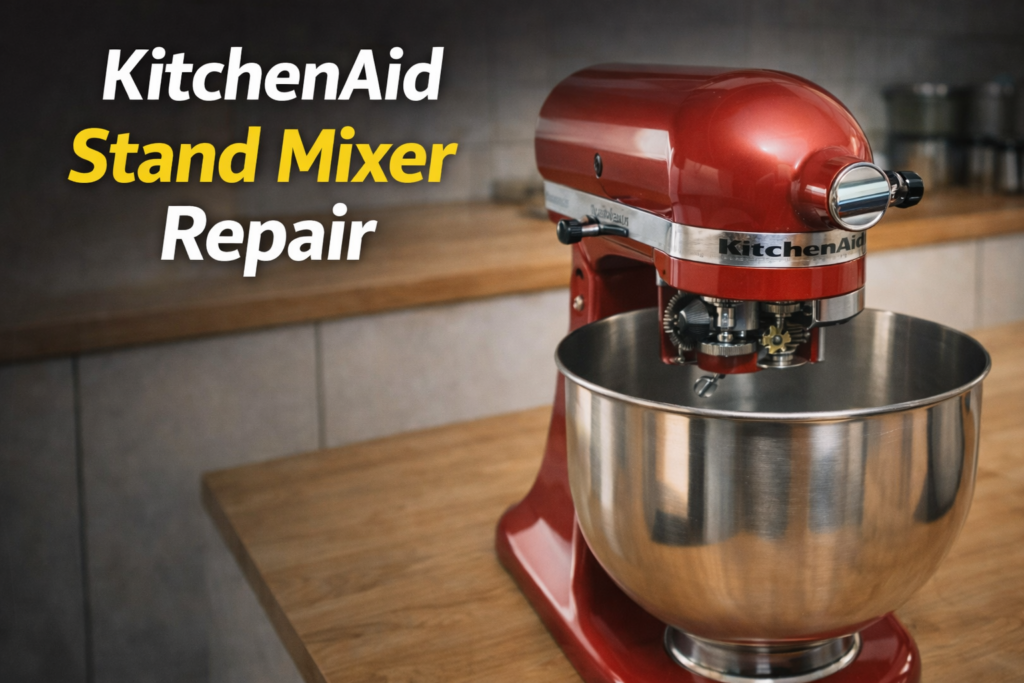
A KitchenAid stand mixer is built to last decades — but like any machine with moving parts, it needs occasional attention. Whether your mixer is grinding, leaking oil, struggling with heavy dough, or just not turning on, most problems have a clear cause and a straightforward fix. Here’s what to look for.
1. Mixer Is Leaking Oil or Grease
KitchenAid mixers use food-safe grease packed into the gear housing at the factory. Over time — especially with heavy use — this grease can liquefy and leak out of the attachment hub or drip into the bowl. This isn’t a catastrophic failure, but it does mean the gear housing needs to be opened, cleaned, and re-packed with fresh grease. Continuing to run the mixer without addressing the grease will accelerate gear wear.
2. Attachment Hub Wobbles or Spins Loose
If the beater, dough hook, or whisk wobbles excessively or doesn’t lock in securely, the most common cause is a worn worm gear or a stripped attachment hub pin. The hub can also develop play if the mixer has been operated at low speeds with heavy loads for long periods. A technician can inspect the worm gear and hub assembly and replace worn components.
3. Motor Overheats and Shuts Off
KitchenAid mixers have a thermal overload protector — a safety switch that cuts power when the motor gets too hot. You’ll notice the mixer suddenly stops mid-batch. Wait 30 minutes for the motor to cool, then try again at a lower speed. If this happens frequently, the motor brushes may be worn, or you may be consistently overloading the mixer. A technician can check brush condition and motor health.
4. Grinding or Buzzing Noise During Operation
Grinding sounds usually point to worn or broken gears inside the gear case. KitchenAid uses a combination of metal and nylon gears — the nylon ones are designed to break first (sacrificial) to protect the metal gears and motor. A loud grinding or clicking during mixing is a sign the nylon gear set needs replacement. This is one of the most common KitchenAid repairs and is very cost-effective.
5. Bowl Lift Won’t Lock or Lower Smoothly
On bowl-lift models, the lift lever can become stiff or the bowl may not lock into position securely. This is often a lubrication issue with the lift mechanism or a bent lift pin. If the bowl drops during operation, stop using the mixer until it’s repaired — a spinning attachment with a loose bowl is a safety hazard.
🔧 Need a professional repair?
GIR Appliance Repair serves Houston, The Woodlands & Kingwood — same-day availability.
6. Mixer Won’t Turn On at All
No response when you flip the speed lever could be a tripped thermal overload (see above), a failed capacitor, burned motor brushes, or a failed speed control board. Check that the mixer is plugged into a working outlet first. If the outlet is fine and the mixer is still completely dead after 30 minutes of cooling time, it needs professional diagnosis.
Repair vs. Replace: KitchenAid Stand Mixers
KitchenAid stand mixers are worth repairing in most cases. A gear set replacement, new motor brushes, or a re-grease job typically costs a fraction of a new mixer — especially for the professional 5-quart and 6-quart models. Parts are widely available for mixers going back 20+ years.
GIR Appliance Repair services KitchenAid stand mixers in The Woodlands, Kingwood, Spring, Humble, and Houston. Our technicians carry common KitchenAid gear sets and can often complete the repair on the first visit. Call (346) 625-4289 or book online — $55 service call applied toward repair.
Ready to schedule your repair?
We serve The Woodlands, Kingwood, Spring, Humble & greater Houston. Call or book online.